> ## Documentation Index
> Fetch the complete documentation index at: https://docs.testdino.com/llms.txt
> Use this file to discover all available pages before exploring further.

# Overview

> TestDino is the AI-native Playwright observability and test management platform. Detect flakes, debug failures, and query your suite from any agent over MCP.

export const VideoSchema = ({name, description, thumbnailUrl, uploadDate, duration, contentUrl, embedUrl}) => {
  const schema = {
    "@context": "https://schema.org",
    "@type": "VideoObject",
    name,
    description,
    thumbnailUrl,
    uploadDate,
    ...duration ? {
      duration
    } : {},
    ...contentUrl ? {
      contentUrl
    } : {},
    ...embedUrl ? {
      embedUrl
    } : {},
    publisher: {
      "@type": "Organization",
      name: "TestDino",
      logo: {
        "@type": "ImageObject",
        url: "https://docs.testdino.com/logo/light.svg"
      }
    }
  };
  return <script type="application/ld+json" dangerouslySetInnerHTML={{
    __html: JSON.stringify(schema)
  }} />;
};

<VideoSchema name="TestDino MCP Server Overview" description="Overview of the TestDino MCP Server for connecting AI assistants like Claude and Cursor to your Playwright test data." thumbnailUrl="https://i.ytimg.com/vi/bBwu88xWpdI/maxresdefault.jpg" uploadDate="2025-12-16T00:00:00+00:00" contentUrl="https://www.youtube.com/watch?v=bBwu88xWpdI" embedUrl="https://www.youtube.com/embed/bBwu88xWpdI" />

TestDino is the test intelligence platform for Playwright. It explains what your suite is doing across every CI run, and exposes every operation to AI agents over the Model Context Protocol or the API.

It is for QA engineers, SDETs, software developers, and AI engineers building agent-driven test suites, whose job is to keep a growing end-to-end suite stable and earning its place in the project.

Traditional tools report a pass/fail count and stop there. As a suite scales in CI, that leaves teams with little visibility across runs, branches, and pipelines. TestDino replaces that with meaningful metrics, analytics, and a fully queryable view of your test data, so your team owns and manages all of it.

## Get Started

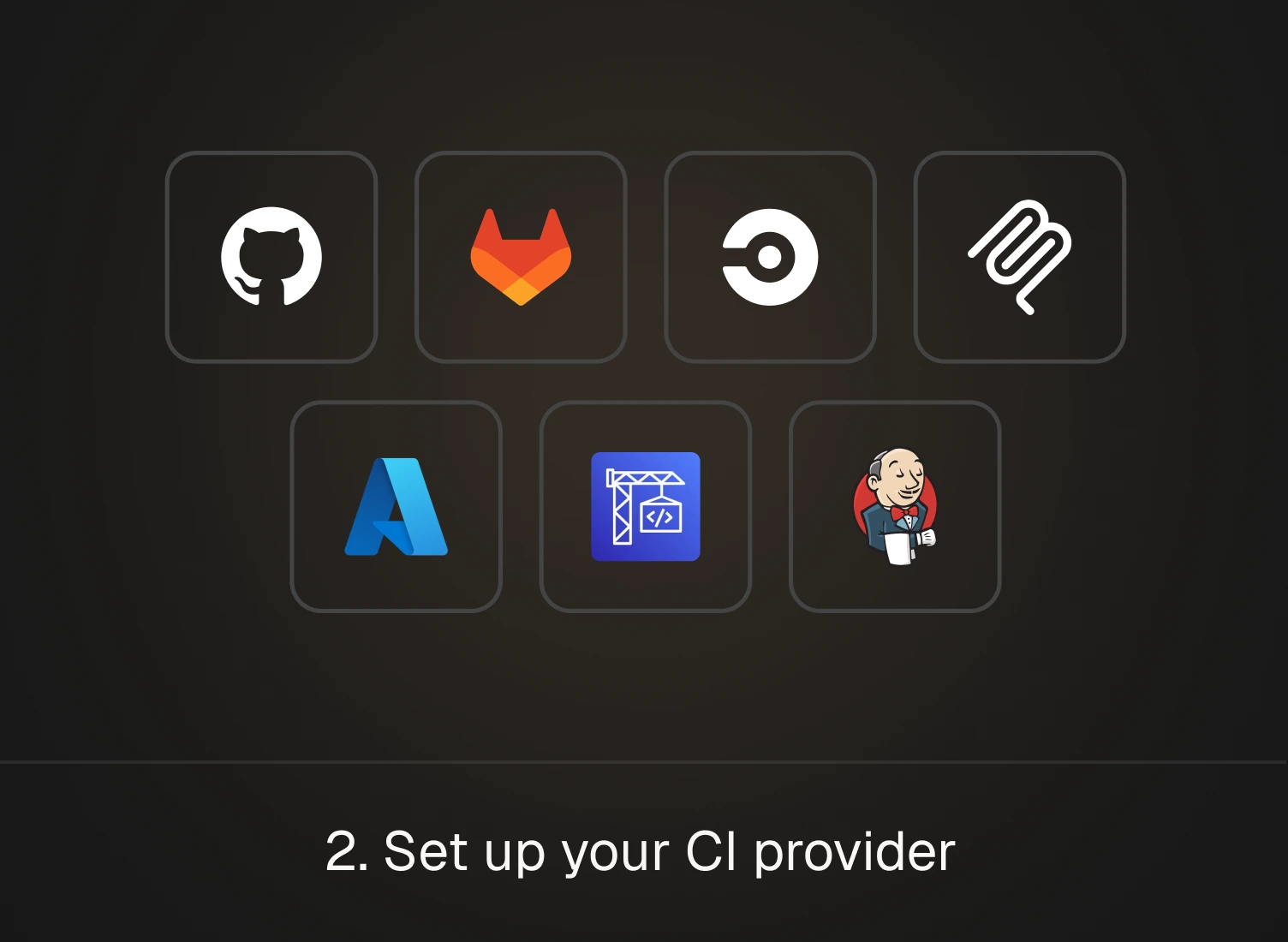
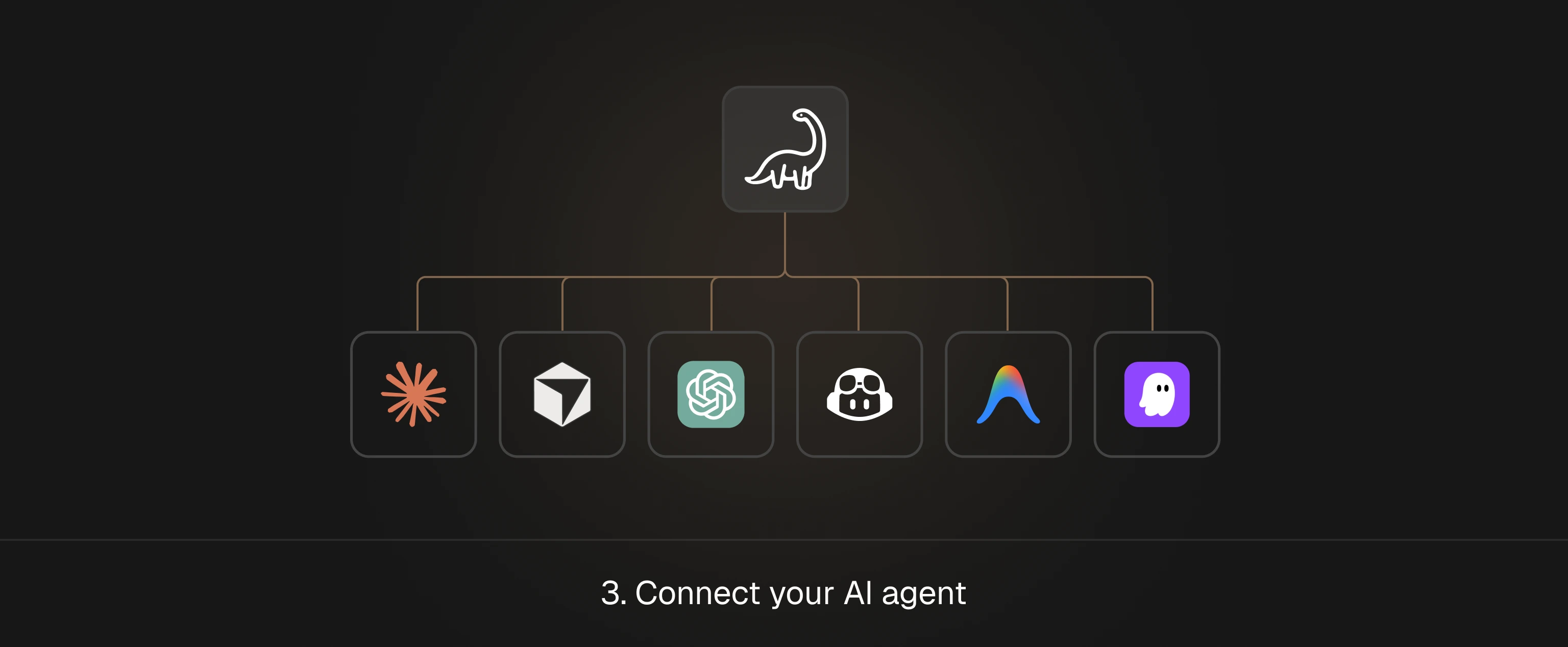
Three steps take you from a fresh account to test health in CI.

<Columns cols={2}>
  <a href="/getting-started" className="step-card-link">
    <img className="step-card" noZoom src="https://testdinostr.blob.core.windows.net/docs/docs/index/1-connect-playwright-to-testdino.webp" alt="Step 1: connect Playwright to TestDino by adding the reporter and uploading results" />
  </a>

  <a href="/guides/ci-setup-overview" className="step-card-link">
    <img className="step-card" noZoom src="https://testdinostr.blob.core.windows.net/docs/docs/index/2-set-up-your-ci-provider.webp" alt="Step 2: set up your CI provider, with GitHub, GitLab, CircleCI, Azure DevOps, and Jenkins supported" />
  </a>
</Columns>

<a href="/ai-onboarding" className="step-card-link step-card-link-full">
  <img className="step-card" noZoom src="https://testdinostr.blob.core.windows.net/docs/docs/index/3-connect-your-ai-agent.webp" alt="Step 3: connect your AI agent to TestDino through the MCP server" />
</a>

## Why TestDino

Playwright reports explain a single run.<br />
TestDino explains your suite across every run, branch, and team.

As your Playwright suite grows in CI, the questions pile up. Which tests are flaky? What actually broke? Why is the pipeline getting slower? One report cannot tell you.

TestDino keeps all your test runs in one place. It catches flaky tests, spots regressions, and helps CI run faster and cheaper. And it gives you the answers where you already work: in your PR, in Slack, and in your IDE, not in a report that vanishes when the job ends.

<Card title="Alternatives to TestDino" icon="scale-balanced" href="/testdino-alternatives" horizontal />

## Agent-callable by design

Your AI agents can use TestDino too, through MCP or APIs. A Cursor or Claude Code agent can check suite health, find flaky tests, write manual test cases, create and track releases, or ask a question about a release, all in one call. No dashboard needed.

An agent on its own only sees one run. TestDino remembers all of them, across runs, branches, and teams, and hands that history back to the agent. The smarter the agent, the more it can do with it.

## Analyze Failures

| <div style={{ whiteSpace: 'nowrap' }}>Feature</div>                                                                                                                                                                 | Description                                                      |
| :------------------------------------------------------------------------------------------------------------------------------------------------------------------------------------------------------------------ | :--------------------------------------------------------------- |
| <div style={{ display: 'flex', alignItems: 'center', gap: '8px', whiteSpace: 'nowrap' }}><Icon icon="gauge" /><span>[**Dashboard**](/platform/playwright-test-dashboard)</span></div>                               | Unified view of test health, trends, flaky tests, and PR status. |
| <div style={{ display: 'flex', alignItems: 'center', gap: '8px', whiteSpace: 'nowrap' }}><Icon icon="play" /><span>[**Test Runs**](/platform/playwright-test-runs)</span></div>                                     | Debug with traces, screenshots, videos, and console logs.        |
| <div style={{ display: 'flex', alignItems: 'center', gap: '8px', whiteSpace: 'nowrap' }}><Icon icon="layer-group" /><span>[**Error Grouping**](/guides/playwright-error-grouping)</span></div>                      | Group similar failures by error message and root cause.          |
| <div style={{ display: 'flex', alignItems: 'center', gap: '8px', whiteSpace: 'nowrap' }}><Icon icon="triangle-exclamation" /><span>[**Flaky Test Detection**](/guides/playwright-flaky-test-detection)</span></div> | Detect and categorize flaky tests across runs.                   |
| <div style={{ display: 'flex', alignItems: 'center', gap: '8px', whiteSpace: 'nowrap' }}><Icon icon="chart-simple" /><span>[**Code Coverage**](/guides/playwright-code-coverage)</span></div>                       | Track which code your tests cover and spot gaps across runs.     |

## Optimize CI Runtime

| <div style={{ whiteSpace: 'nowrap' }}>Feature</div>                                                                                                                                                               | Description                                             |
| :---------------------------------------------------------------------------------------------------------------------------------------------------------------------------------------------------------------- | :------------------------------------------------------ |
| <div style={{ display: 'flex', alignItems: 'center', gap: '8px', whiteSpace: 'nowrap' }}><Icon icon="rotate-right" /><span>[**Rerun Failed Tests**](/guides/rerun-failed-playwright-tests)</span></div>           | Re-run only what failed to cut pipeline time.           |
| <div style={{ display: 'flex', alignItems: 'center', gap: '8px', whiteSpace: 'nowrap' }}><Icon icon="tower-broadcast" /><span>[**Real-Time Streaming**](/guides/playwright-real-time-test-streaming)</span></div> | Results appear on the dashboard as each test completes. |
| <div style={{ display: 'flex', alignItems: 'center', gap: '8px', whiteSpace: 'nowrap' }}><Icon icon="github" /><span>[**GitHub CI Checks**](/guides/github-status-checks)</span></div>                            | Block merges until tests meet quality gates.            |

## Reduce Manual Triage

| <div style={{ whiteSpace: 'nowrap' }}>Feature</div>                                                                                                                                            | Description                                                           |
| :--------------------------------------------------------------------------------------------------------------------------------------------------------------------------------------------- | :-------------------------------------------------------------------- |
| <div style={{ display: 'flex', alignItems: 'center', gap: '8px', whiteSpace: 'nowrap' }}><Icon icon="puzzle-piece" /><span>[**Integrations**](/integrations/overview)</span></div>             | Create tickets and send Slack summaries by environment.               |
| <div style={{ display: 'flex', alignItems: 'center', gap: '8px', whiteSpace: 'nowrap' }}><Icon icon="plug" /><span>[**MCP Server**](/mcp/overview)</span></div>                                | Let AI agents query your test data directly.                          |
| <div style={{ display: 'flex', alignItems: 'center', gap: '8px', whiteSpace: 'nowrap' }}><Icon icon="list-check" /><span>[**Test Case Management**](/test-management/overview)</span></div>    | Organize manual and automated test cases in suites.                   |
| <div style={{ display: 'flex', alignItems: 'center', gap: '8px', whiteSpace: 'nowrap' }}><Icon icon="hand" /><span>[**Manual Testing**](/test-management/manual-testing/overview)</span></div> | Run manual test cases in releases and sessions, tracked with results. |

## Watch the 2 minute demo

<iframe className="w-full rounded-lg h-[500px]" src="https://www.youtube.com/embed/bBwu88xWpdI" title="TestDino MCP Server video" style={{ border: 0 }} allow="accelerometer;  clipboard-write; encrypted-media; gyroscope; picture-in-picture; web-share; embedding" referrerPolicy="strict-origin-when-cross-origin" allowFullScreen />

## Community and Contact

<CardGroup cols={3}>
  <Card title="Discord" icon="discord" href="https://discord.gg/hGY9kqSm58">
    Questions and updates from the community.
  </Card>

  <Card title="GitHub" icon="github" href="https://github.com/testdino-hq">
    Follow TestDino on GitHub.
  </Card>

  <Card title="Contact Support" icon="envelope" href="/faqs#contact">
    Get help from the TestDino team.
  </Card>
</CardGroup>