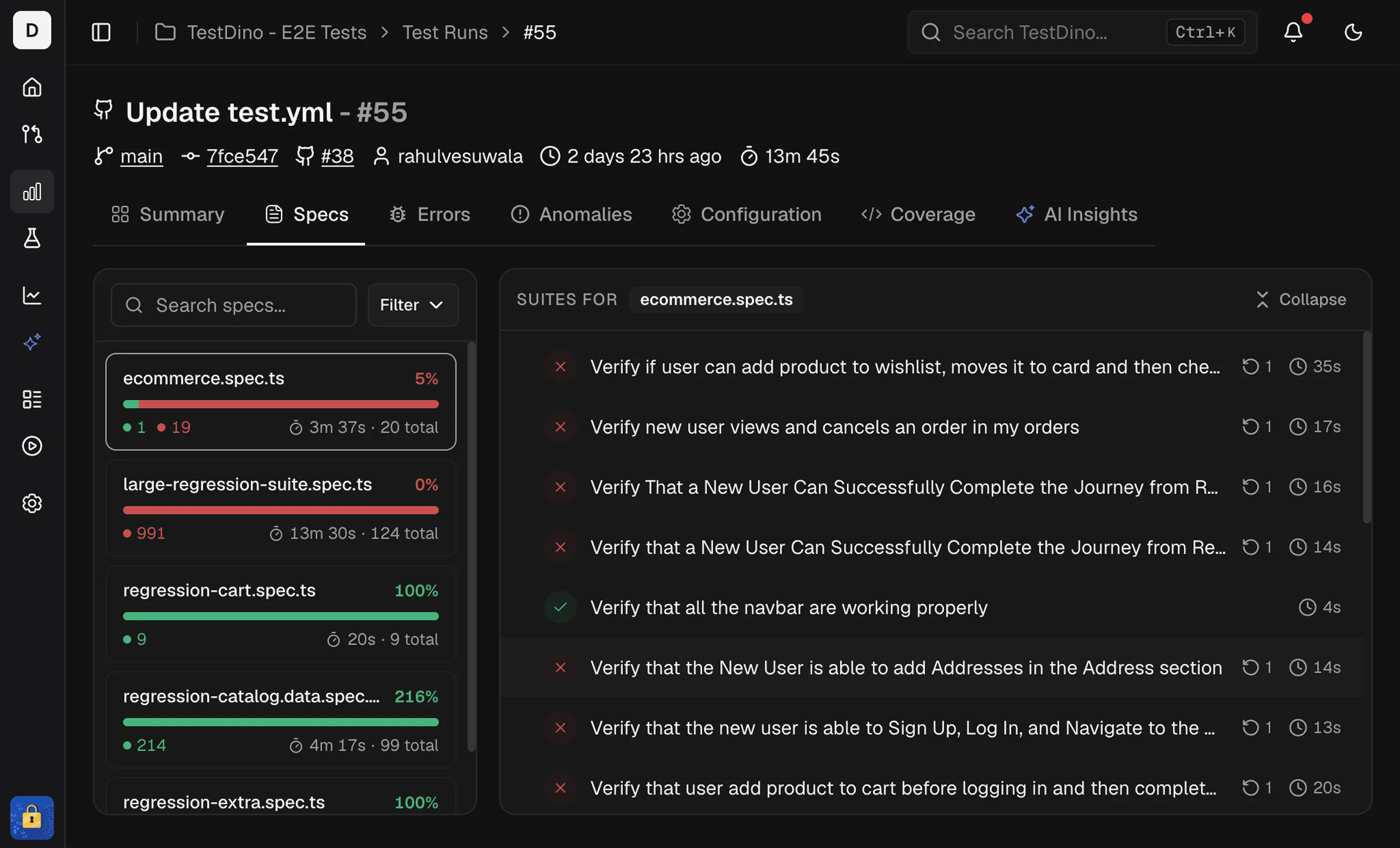
Specs Explorer is a project-level list of specification files with reliability and performance metrics. Use it to find slow specs, flaky specs, and specs with high failure rates without opening individual test runs.

Layout

The table displays key metrics for each spec file. All columns are sortable.

1. Spec File

File name and path. Use it to locate the spec in your repo.

2. Executions

Total runs within the selected time period and environment. Provides context for failure rates.

3. Failure Rate

Percent of executions that include at least one failed test. Use it to find consistently failing specs.

4. Flaky Rate

Percent of executions that include at least one flaky test. Use it to isolate instability from true failures.

5. Avg Duration

Average execution time for the spec file. Identifies slow specs that extend CI cycles.

6. Last Duration

Execution time of the most recent run. Compare it to the average duration to detect performance regressions. A sudden increase may indicate a recent code change affected performance.

7. Last Execution

Timestamp of the last run. Shows when a spec was last executed and on which branch.
Hover over the branch name to see the specific branch and environment.

Controls

  • Search specs: Filter the table by file name.
  • Time Period: Scope data to Last 7, 14, 30, 60, or 90 Days.
  • Environments: Filter by environment.
  • Sync: Refresh data to include recent executions.

Quick Start Steps

  1. Set Scope - Use Time Period and Environments filters to narrow the focus.
  2. Identify Targets - Sort by Failure Rate or Flaky Rate to surface unstable specs. Sort by Avg Duration to find the slowest.
  3. Find a Specific Spec - Use the search bar to locate a specific spec file directly.

Why This View Matters

  • Project-Wide Visibility: Gain a consolidated view of the health and performance of every spec file across the entire project.
  • Identify Bottlenecks: Quickly find the slowest and longest-running specifications to improve test cycle times.
  • Pinpoint Instability: Isolate specs with high failure and flaky rates that introduce noise and risk.
  • Focused Analysis: Utilize filters to narrow down data by time period and environment, correlating issues with specific contexts.