





How Monday works with TestDino
The Monday integration is available on TestDino Pro and Enterprise plans.- Connect your Monday workspace from Project Settings > Integrations and choose a default board.
- Open a Test Run in TestDino.
- Select a failed or flaky test case.
- Click Raise Issue → Monday. And select Workspace.
- Confirm issue creation and see the created issue on Monday.com.
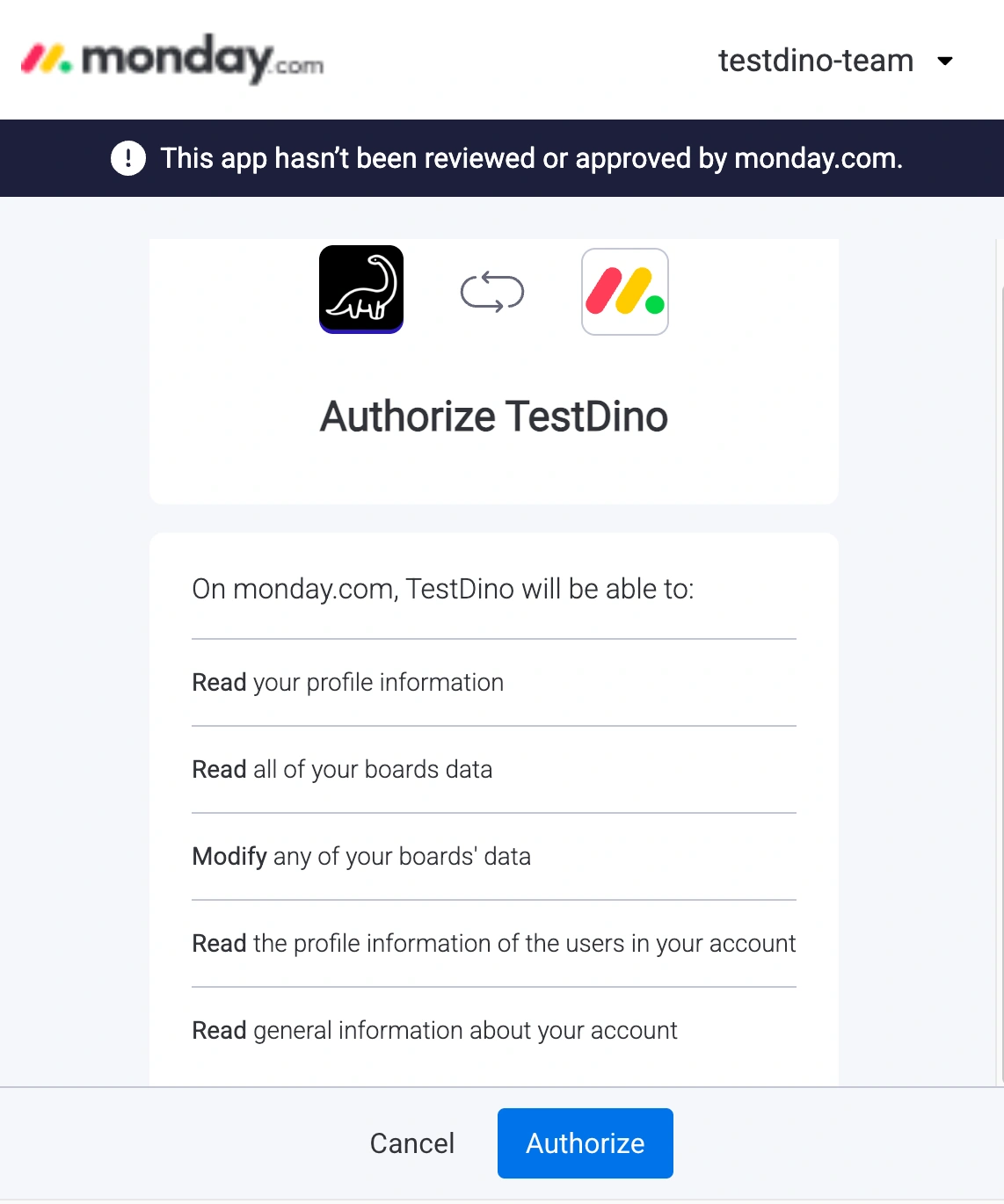 TestDino connects with Monday in two ways:
1. Issue Creation from TestDino
TestDino connects with Monday in two ways:
1. Issue Creation from TestDinoRaise Monday items directly from failed or flaky test cases. Each item includes a complete test context, allowing your team to start debugging without switching tabs. 2. TestDino Dashboard Widget
View your latest test runs inside Monday boards and dashboards. The widget shows test health at a glance, right where your team already works.
Create a Monday bug report in TestDino
Users can raise issues in Monday directly from failed or flaky test cases in TestDino. Each issue includes relevant test metadata, allowing teams to have full context without needing to open test reports separately.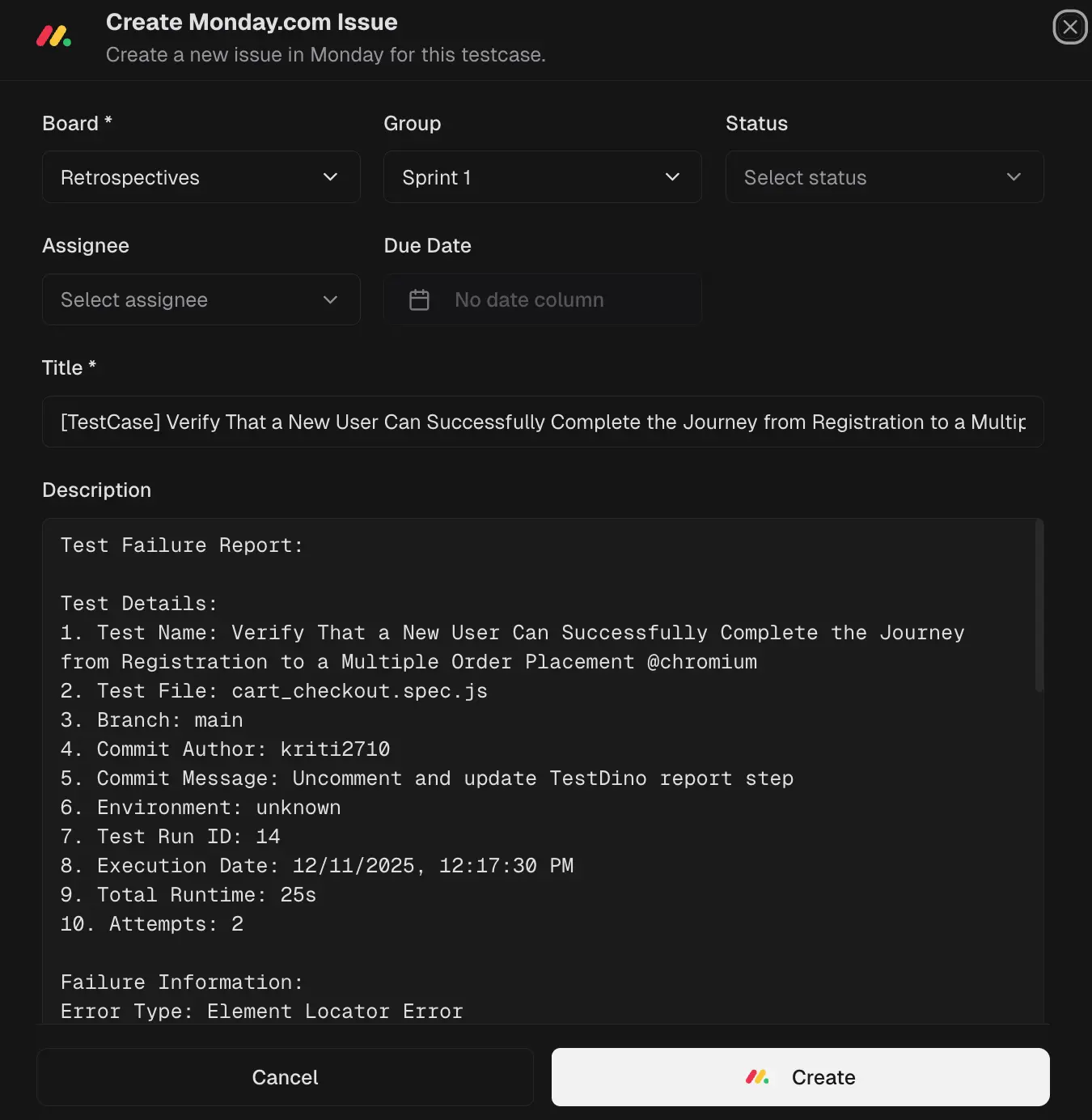
Supported scenarios
- Create issues for failed tests
- Create issues for flaky tests
- Create multiple issues from a single test run
- Link issues back to TestDino test runs and test cases (if enabled)
Issue Data Mapping
When an issue is created, TestDino automatically maps test information to Monday fields:| TestDino Data | Monday Field |
|---|---|
| Test Name | Item Name |
| Test Status (Failed / Flaky) | Status |
| Test Run ID | Text / Link |
| Failure Reason / Error | Long Text |
| Environment | Label / Text |
| Branch | Label / Text |
| Execution Timestamp | Date |
| Screenshots and Custom uploads | Images |
What TestDino pre-fills
TestDino automatically adds rich test context to each Monday item.| Section | Field | Pre-filled content |
|---|---|---|
| Monday fields | Workspace | Default from Settings is preselected |
| Board | User-selectable Monday board | |
| Group | Optional board group for the item | |
| Status | Item status column (e.g., Bug, To Fix) | |
| Priority | Priority column value | |
| Assignee | Optional person column assignment | |
| Item Name | [TestCase] <Test Name> - <Error Type> | |
| Description | Test Details | File, Branch, Commit Author/Message, Environment, Run ID, Execution Date, Total Runtime, Attempts |
| Failure Information | Error Type, Error Message, Test History (failure pattern) | |
| Test Steps | Failing attempt and step with duration and error | |
| Context | Console Output, Links (TestDino Run, GitHub Commit) | |
| Evidence | Test Case Screenshots, Attachments | |
| Review | Write/Preview | Verify formatting before submitting |
| Screenshots | Listed thumbnails; attach more if required |
After you create the issue
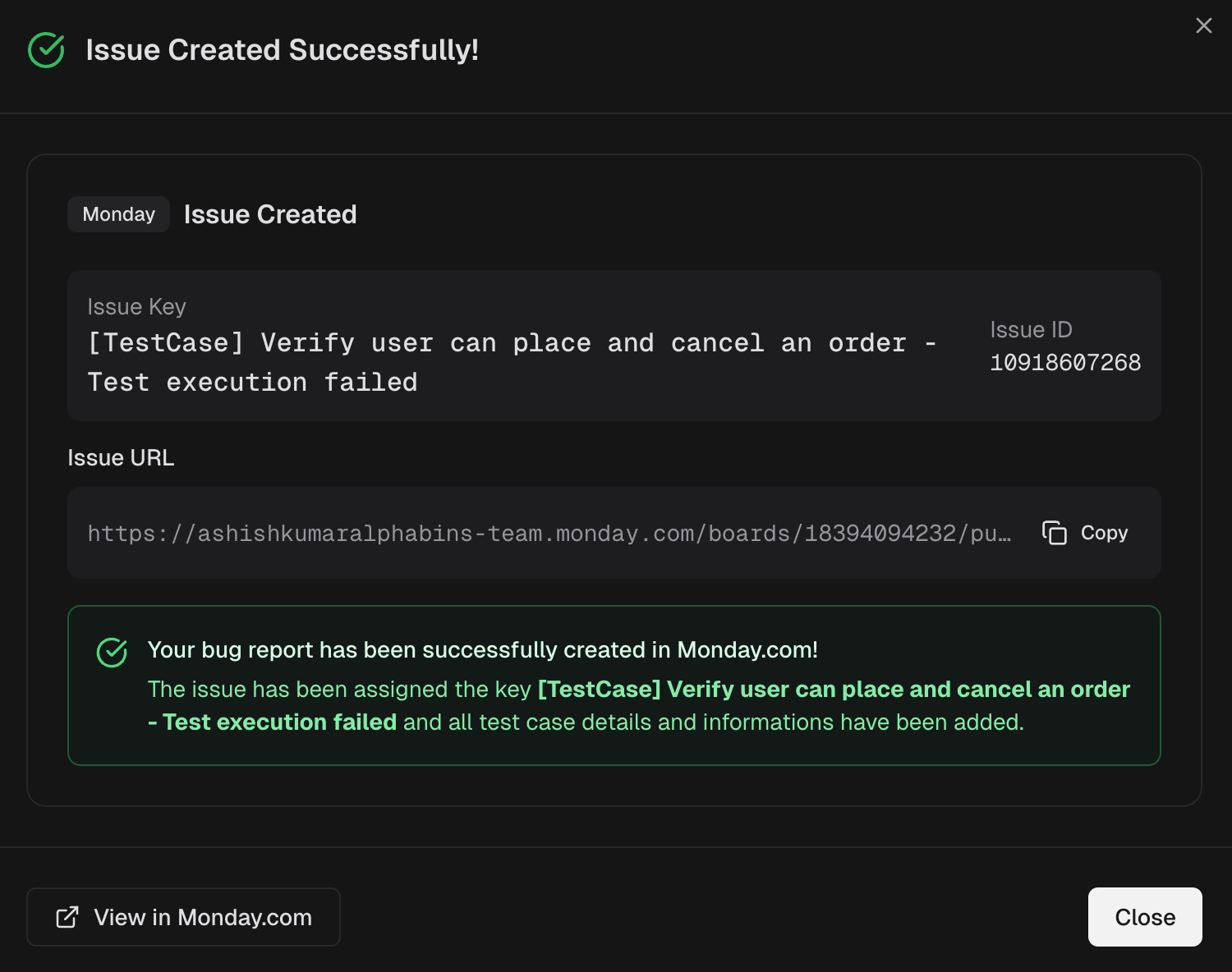
- A confirmation modal shows the Monday Item ID and a direct URL to the item.
- Use View in Monday to open the newly created item in your board.
TestDino App for Monday
The TestDino Marketplace app displays test run data directly within Monday dashboards, allowing teams to track test health alongside delivery work.What the widget shows
Each test run card displays:- Test Run Name / ID: The run ID (e.g., #14, #13)
- Overall Status Summary - Passed / Failed / Flaky
- Duration - Total execution time
- Environment - Environment where tests ran
- Branch - Git branch name (e.g., main)
- Completion timestamp - When the test run is completed
How it works
- Install the TestDino app from the Monday Marketplace.
- Authenticate with your TestDino account when prompted.
- Select your TestDino project to link with the widget.
- Add the TestDino widget to any Monday dashboard.
- The widget automatically fetches the latest test runs. Use the Sync button to refresh.
Integration Setup
Prerequisites:- Active TestDino account with Pro or Enterprise plan
- Monday account with:
- Workspace access
- Board creation/edit permissions
Why this helps
- Faster defect triage - Create items with full context in seconds, not minutes.
- No context switching - See test health where your team already plans and tracks work.
- Consistent bug reports - Every item includes the same structured details for faster debugging.
- Real-time visibility - Widget updates automatically when new runs complete.


