

AI features are on by default. Toggle them in Project Settings → AI Features. Changes apply from the next test run.
Review failures
- Set Time range and Environment and keep them fixed for the review
- Read the category tiles for totals and top affected tests
Categories
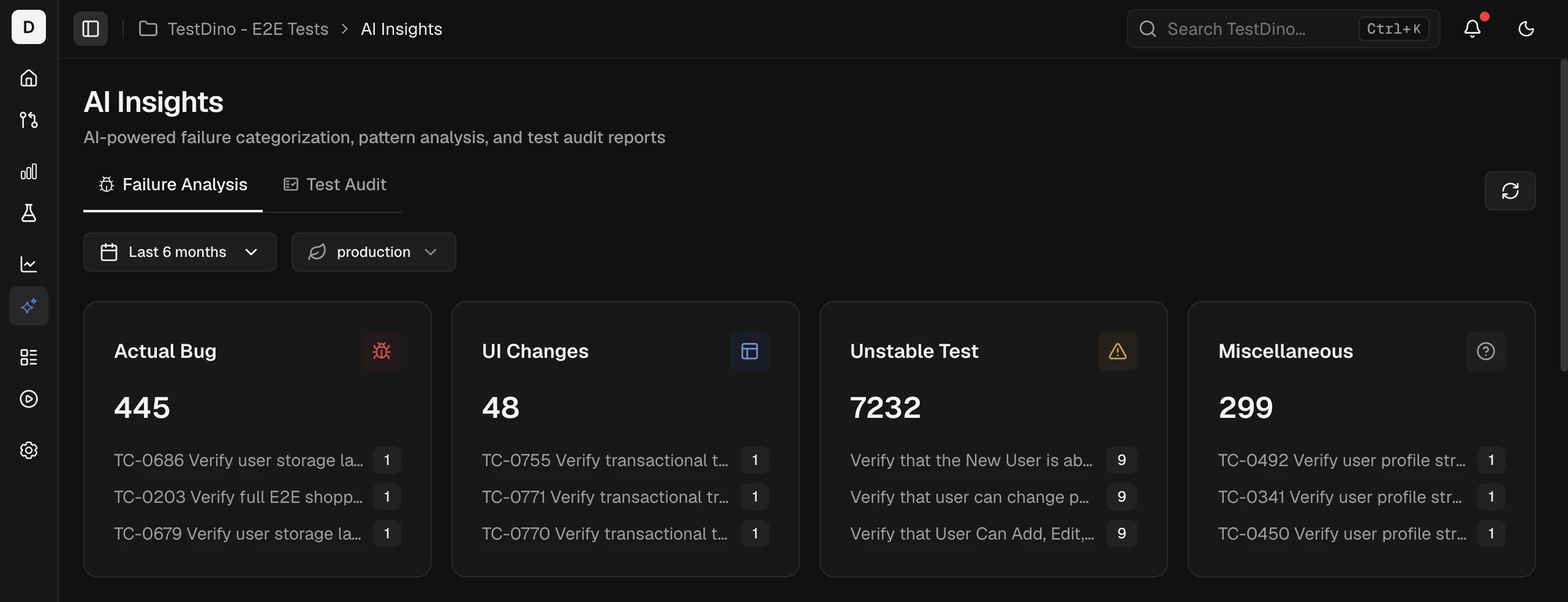
Each card shows the total and top-impacted tests with per-test counts. Platform map: AI Overview.
AI Overview
All AI features and where they appear
Test Run AI Insights
Classification for one run
Test Case AI Insights
Per-test recommendations and quick fixes
Error Grouping
Cluster failures by message and stack